

Automatic Retries
Resend attempts to deliver each webhook message based on a schedule with exponential backoff. Each message is attempted based on the following schedule, where each period is started following the failure of the preceding attempt:- Immediately
- 5 seconds
- 5 minutes
- 30 minutes
- 2 hours
- 5 hours
- 10 hours
- 10 hours (in addition to the previous)
Failure notifications
If a webhook endpoint keeps failing to receive events, Resend disables it automatically and sends an email notification to your team. The email includes the endpoint URL and, when known, how long the endpoint had been failing. Once your endpoint is back up, you can re-enable it from the Webhooks page in the dashboard.Manual Replays
If a webhook message fails, you can manually replay it. You can replay bothfailed and succeeded webhook messages.
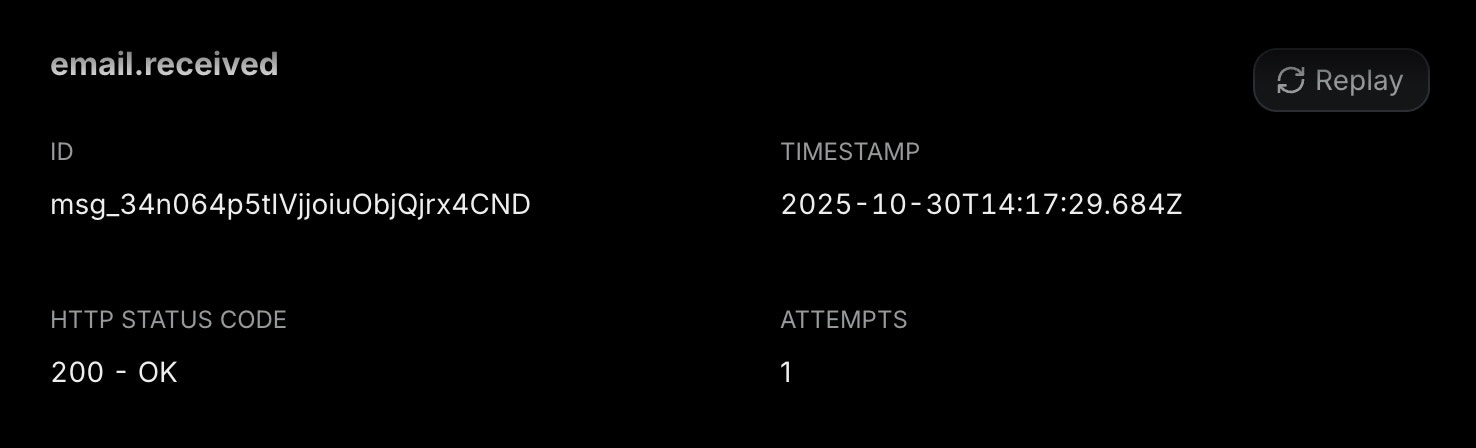
- Go to the Webhooks page
- Navigate to the Webhook Endpoint you are using
- Go to the Webhook Message you want to replay
- Click on the “Replay” button